
Studio notes
Make an Ozil goal video without a prompt or reference clip
Use the prepared football preset with one adult portrait. See what is fixed, what your photo changes and how to generate without extra footage.
Yes. Ozil Goal AI uses a prepared football preset, so you only upload one permitted adult portrait. You do not write a prompt, film a performance or upload a reference clip. You need a delivery email and a paid video pack; no signup is required.
What is already prepared?
The preset supplies the action, framing and requested duration: 15 seconds, vertical MP4 at 720p. Your portrait supplies the player's identity guidance. There is no custom prompt, motion-reference upload, second-player photo input or duration selector.
That makes the workflow short, but limits your control. You cannot request a different sequence or lock a particular camera angle through the form. The face, ball path, clothing and sound may vary. Watch the full public sample to judge the preset instead of relying on its name.
Compare the portrait and actual output
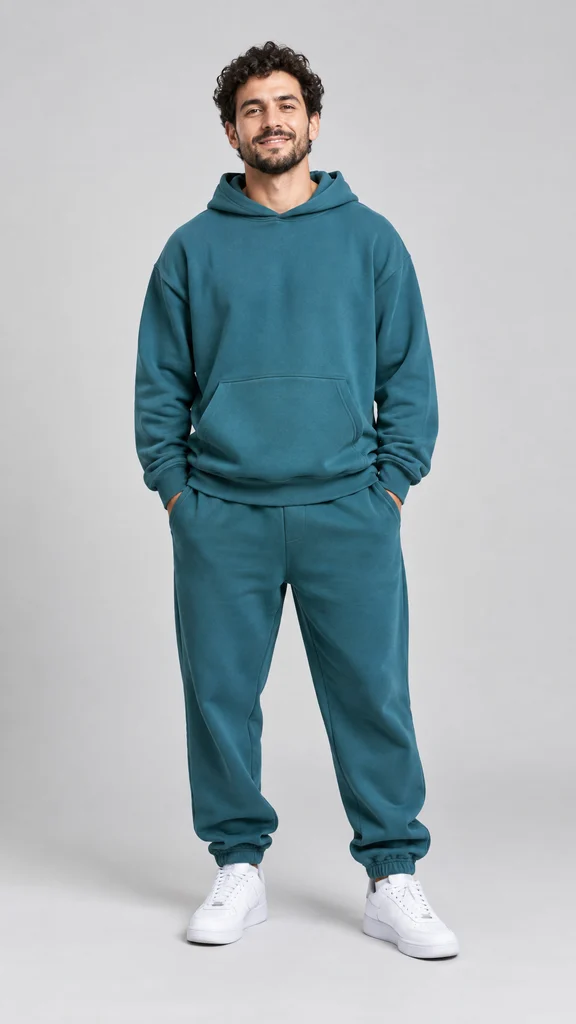
Output: selected 15-second generation, with a camera cut before the finish. Your result may vary.
Generate with just a photo
- Open the generator and upload one permitted adult photo.
- Enter the email address where you want delivery.
- Choose a 1, 2 or 5-video pack and verify the currency and total before paying.
- Confirmed payment starts the first video automatically, with variable queue and processing time; the current sample took about 5 minutes.
- Use your private email link to check progress, download the result or use remaining counts.
If you need custom motion instead
First decide which detail must change: the run-up, goalkeeper, defender, camera or finishing shot. This site's form does not expose those controls. Choose a workflow that explicitly supports the inputs you need, and check a complete example before paying. The CapCut and AI guide distinguishes generating a performance from editing existing footage.
A copied prompt cannot unlock controls that a tool does not offer. For this preset, improving the portrait can help supply clearer identity detail, but cannot guarantee exact motion or repair a completed clip. See photo and result checks for face drift and ball errors, and prices and recovery for paid-task limits.